Meet Mora
What Mora does with your 1:1 notes, what she refuses to do, and why she says nothing during the meeting itself.
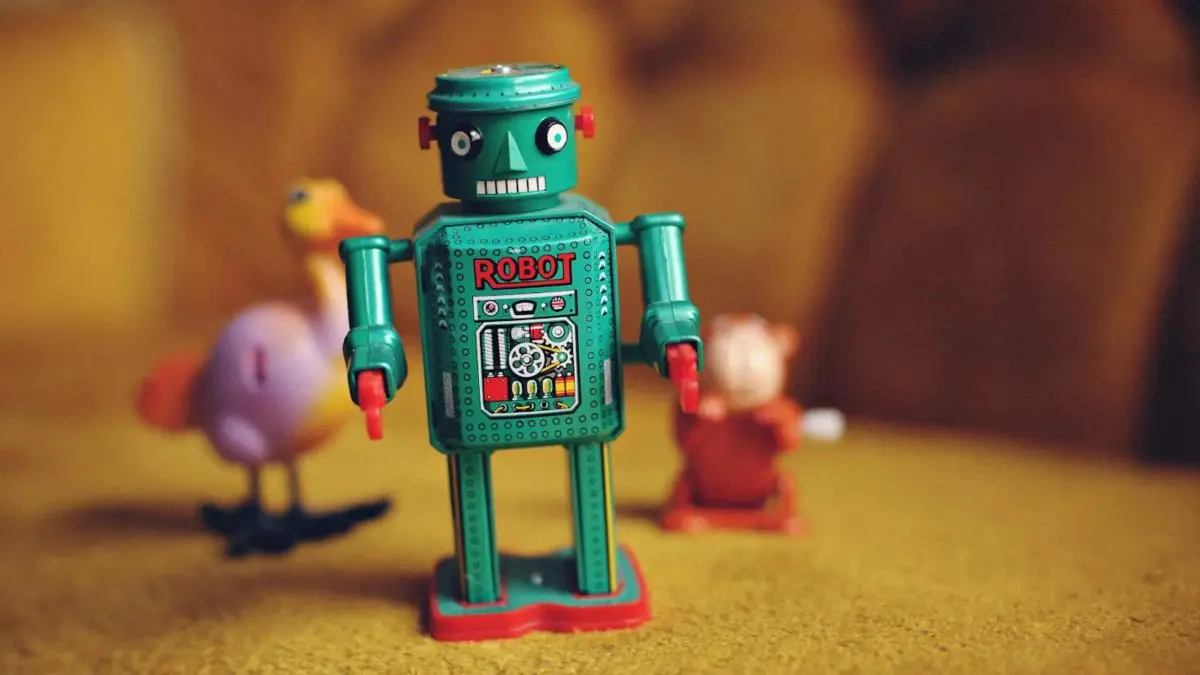
Most AI you've met in the last two years wanted to impress you. It offers to write the email, draw the picture, and build a thirty-slide deck before your coffee is cool. There's a place for that. It isn't your 1:1.
The AI in this product shares its name. Mora runs on the same model class as the chatbot you used yesterday, with one narrow job. This post is the introduction she hasn't had yet.
What Mora does
Mora has read every note you've taken in a 1:1 with a given report. She's read the agendas, the goals you set, the follow-ups that closed and the ones that didn't. She's read what you wrote after last Thursday and what you wrote in February.
That's a lot of text. A manager and a report who meet weekly for a year produce somewhere between 20,000 and 40,000 words: promotion talk, project frustration, a side comment about a sick parent, and the slow change in how the two of you work together. Most managers lose the thread by month four. Mora keeps it.
What she does with it is small. Three things.
- She drafts a starting agenda before the meeting. Built from last week's open threads, the goals in play, and whatever you said you'd bring up. You read it in thirty seconds and edit it. It's yours from there.
- She brings back the thread you'd have lost. "You and Imani talked in November about her wanting more architecture work. Her current project is a feature build. Worth asking where that stands?" A good chief of staff would say that to you in the hallway on the way in. Mora says it on the prep page.
- She remembers what you wrote down so you'd remember it. Every wrap-up adds a dated entry to that person's history. When next quarter's career conversation comes around, what you said three months ago is still there, in your own words.
That's the list. Mora has no personality to manage, no avatar in the corner, and no offer to write a haiku about Q3.
What Mora won't do
The product is built on this section.
She won't record the meeting. There's no microphone, no transcript, and no bot in the call. What exists afterwards is what you typed. Mora reads those notes when she's prepping the next 1:1 and when you wrap this one up. The rest of the time she isn't listening, because there's nothing to listen to.
She won't score people. No sentiment ratings, no engagement gauges, no traffic lights. The moment a tool starts calling a person red or green, it's working against the relationship.
She won't invent feelings. Mora will not tell you your report "seems to be feeling" anything. She can tell you what was said and when. The interpretation is yours.
She won't show your notes to the person they're about. Your notes stay private. The only thing your report ever sees is their own check-in. The line stays bright.
She won't reach past your own reports. Each 1:1 is its own context. If you manage managers, Mora helps you with your reports and stops there.
None of these are technical limits. They're choices, and the product depends on them. Remove one and you have a different, worse product.
Three things Mora might say
Last week you and {report} talked about her interest in design management, and it hasn't come up since. There's room on today's agenda, and the design crit she ran went well.
{Report} hasn't mentioned the on-call rotation in four weeks. He raised it every week in October. The rotation hasn't changed, so he may have stopped bringing it up. One direct question would settle it.
In January you set a goal with {report} to get her more visibility with the leadership team. Three chances to present have come and gone. Is the goal still the right one?
None of that is impressive. All of it is useful, and that difference is the design of the whole product.
Why she says nothing during the meeting
A lot of AI right now is loud: animated avatars, confetti when a task completes, a steady stream of suggestions. That's wrong for a 1:1, because attention is the point of the meeting. Anything that pulls your eyes off the person, even toward something useful, costs the conversation.
So Mora does her work before and after. On the prep page, when you're deciding what to bring. At the wrap-up, when you're capturing what was said. In meeting mode she adds nothing: her recap of your last 1:1 is there to glance at, and the cursor blinks and waits for you. No suggestions, no autocomplete. Two people are talking, and the tool's job is to stay out of it.
It's also where the name comes from. Mora is the Latin word for a delay, a pause. The AI in this product is the one that doesn't rush.
How to use her
Read the agenda, then edit it. The draft is a starting point. Thirty seconds of edits and it's yours.
Don't talk to her in meeting mode. That view is for your notes. Mora's moments are on the prep page, the wrap-up, the goal pages, and the Monday briefing. The split is deliberate.
Trust her memory more than her suggestions. "You said you'd revisit this in three weeks" is a quote. "This might be the week to bring up X" is a pattern she noticed. Treat the first as fact and the second as a prompt.
What she has in common with a good chief of staff
The clearest way we've found to describe Mora: she's the chief of staff that only executives used to get. She knows your week, your people, and what was said two months ago. She doesn't make the decisions. She makes them easier to make.
If we do this right, in six months you won't think of Mora as AI. You won't say "the AI told me Imani brought up architecture in November." You'll say "Imani brought up architecture in November," because you'll remember. Mora made sure of it.
That's the bar.
Start your 30-day free trial. The people you manage are always free and never need an account.